

Install Octanist Debugger
Open the Chrome Web Store listing.
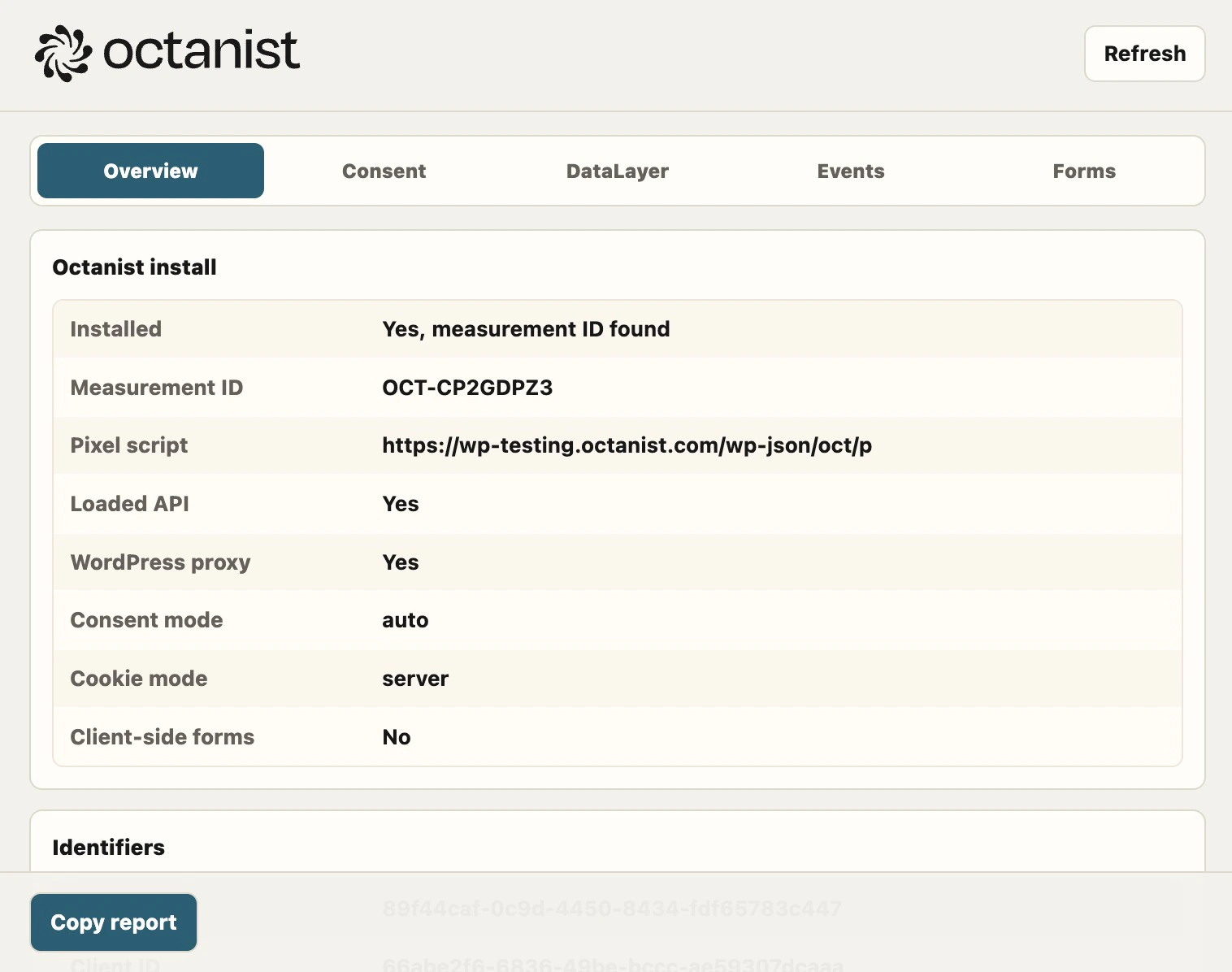
What it checks
The extension can show:- Whether the Octanist pixel is installed
- The measurement ID and script URL
- Whether the pixel public API loaded
- The current session ID and client ID
- Consent mode and detected consent state
- Google Consent Mode and dataLayer entries
- Detected forms and whether
octa_sidwas injected - Recent Octanist events
Support workflow
- Open the customer website.
- Open the Octanist Debugger extension.
- Click Refresh.
- Interact with the consent banner.
- Submit a test form.
- Click Refresh again.
- Click Copy report and send the report to support.