

Table of Contents
- Create the Integration in Octanist
- Configure the Webhook in Recruitee
- Complete the Setup in Octanist
1. Create the Integration in Octanist
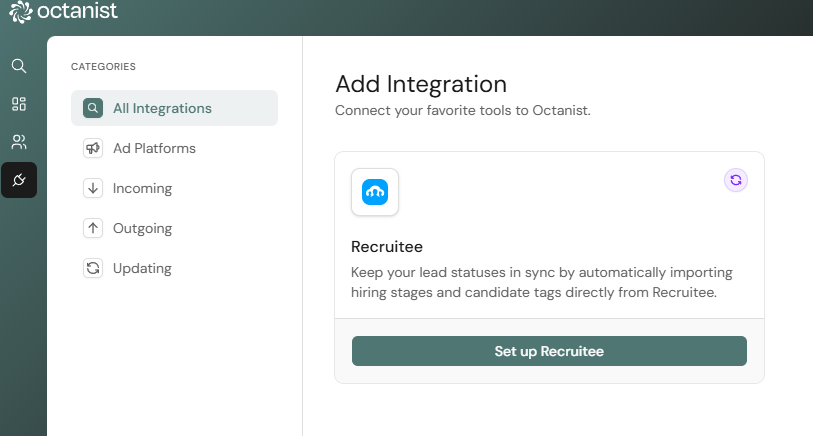
- Go to Octanist and navigate to Integrations > Updating > Add New.
- Choose Recruitee and click Set up Recruitee.
- Copy the POST URL, you will need this in the next step.
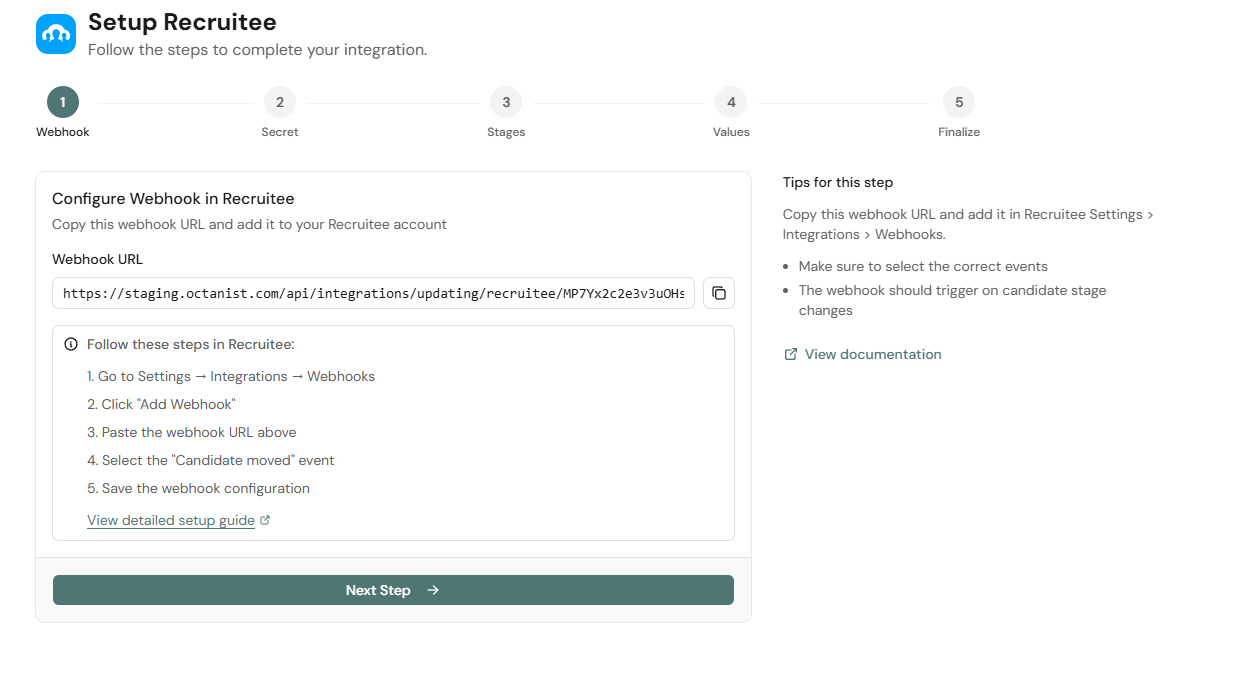
2. Configure the Webhook in Recruitee
- Go to Recruitee and log in.
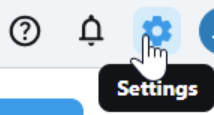
- Click the Settings icon in the top-right corner.
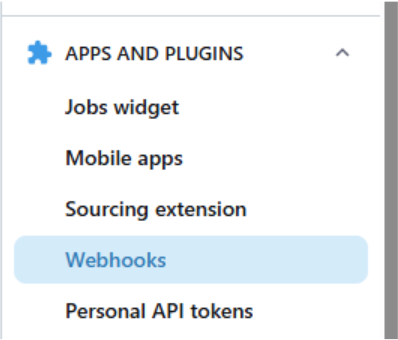
- In the left sidebar, scroll down to Apps and Plugins and click Webhooks.
- Find the Secret and click Show Secret.
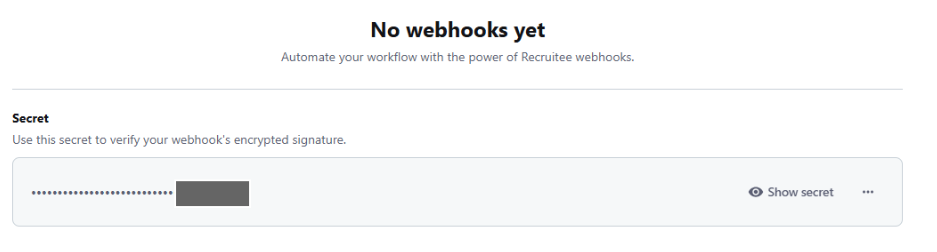
- After verification, copy the Webhook Secret, you will need this in the next step.
- Click New Webhook.
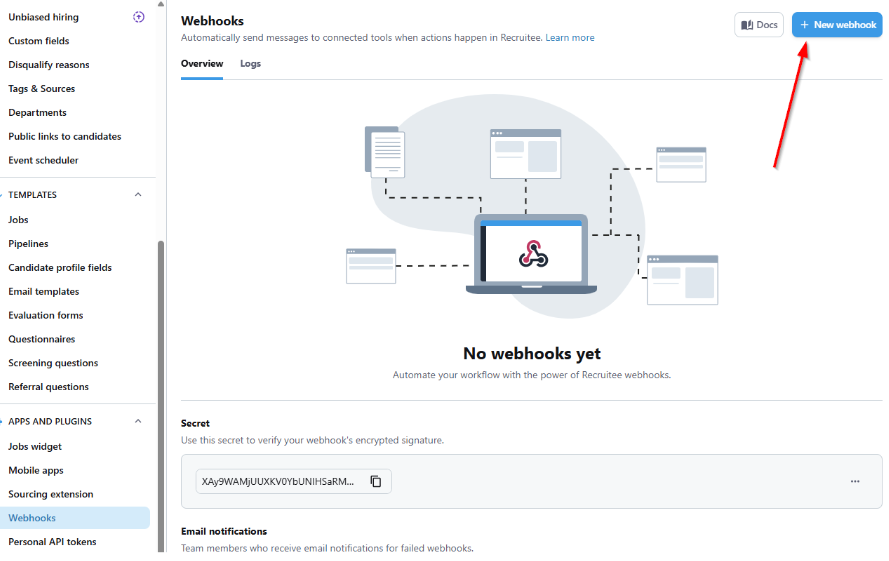
- Fill out the fields:
- Name: for internal use only (e.g., Octanist - Your Organisation Name)
- URL: paste the POST URL copied from Octanist
- Event: select Only the Move on pipeline
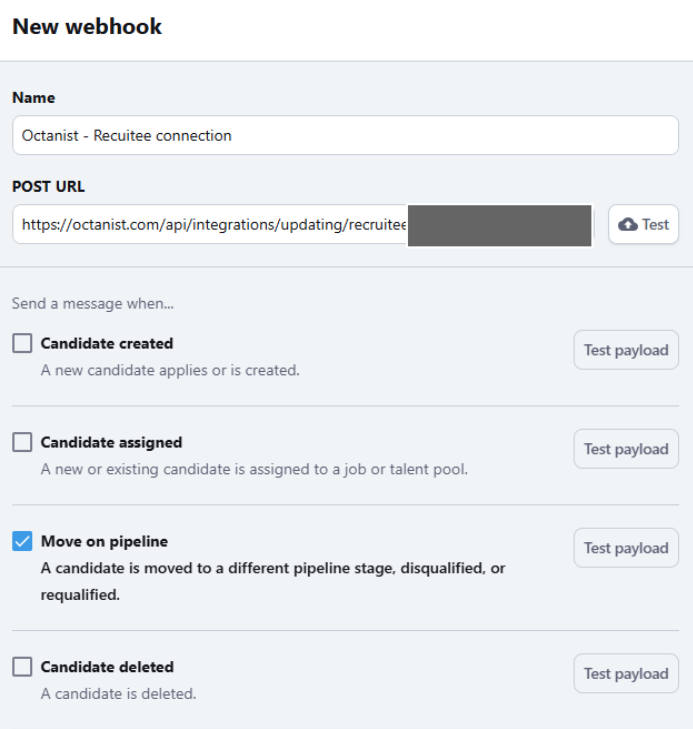
- Click Verify and Create.
3. Complete the Setup in Octanist
- Return to Octanist and paste the Webhook Secret into the corresponding field.
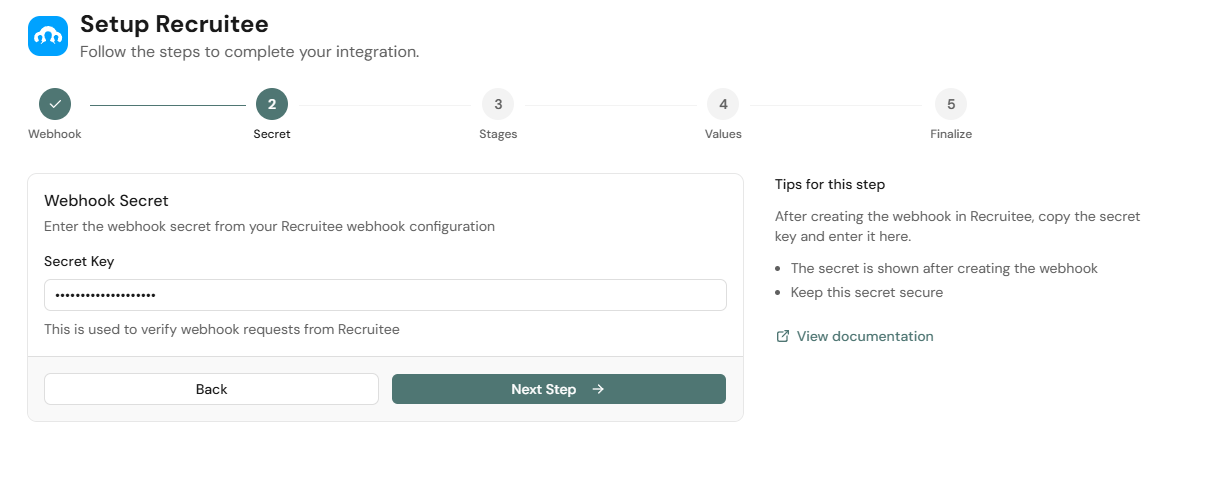
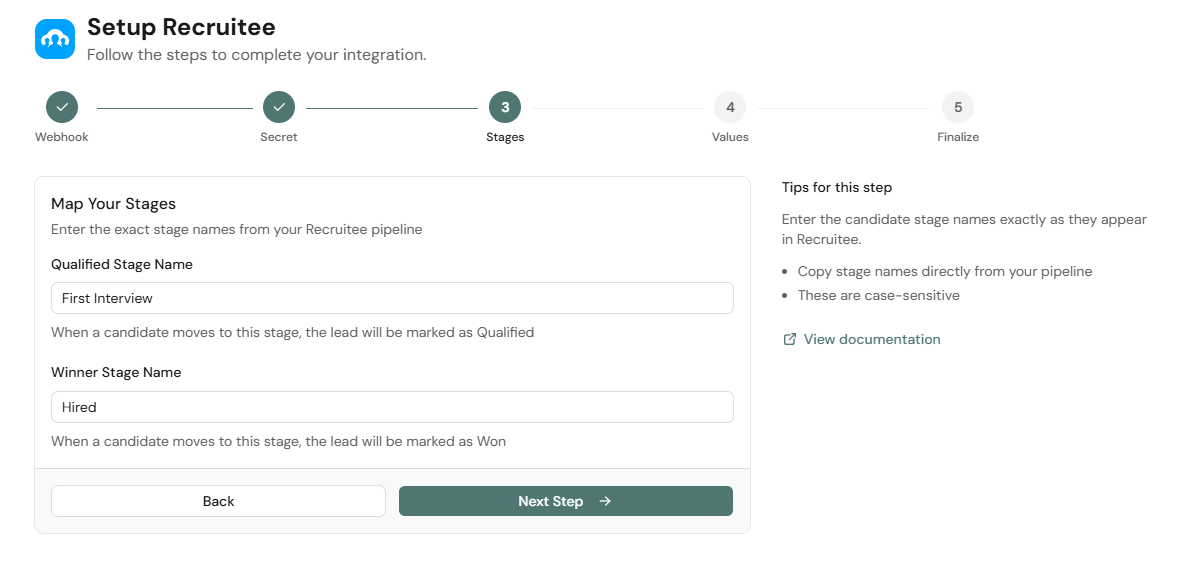
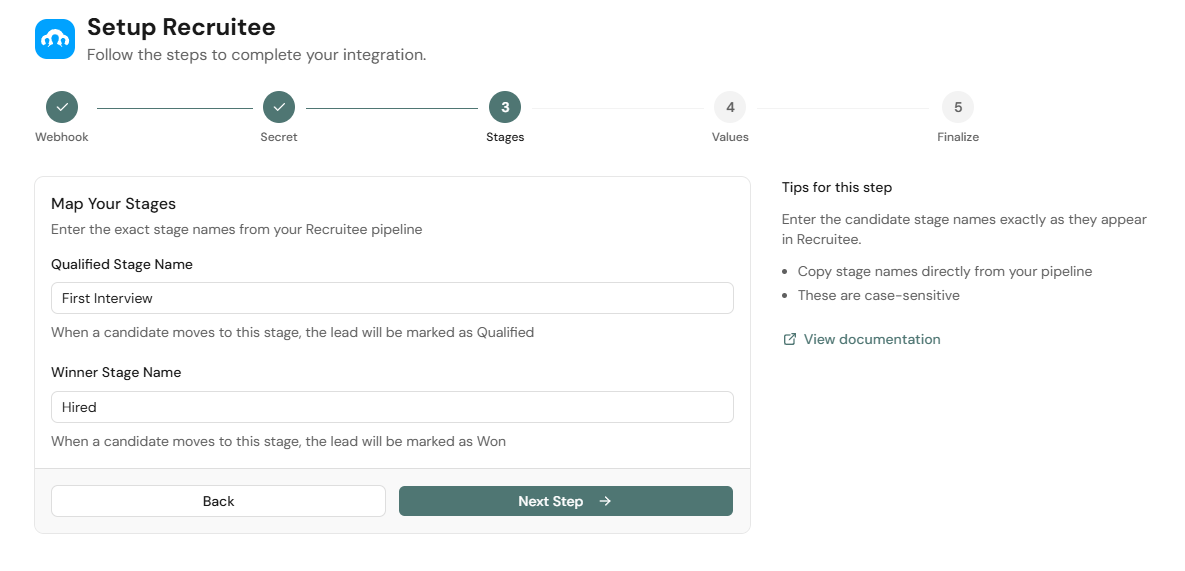
- Click Next and configure the deal stages. Select the Recruitee stage that corresponds to each of the following:
- Lead is Qualified: e.g., First Interview
- Lead is Won: e.g., Hired
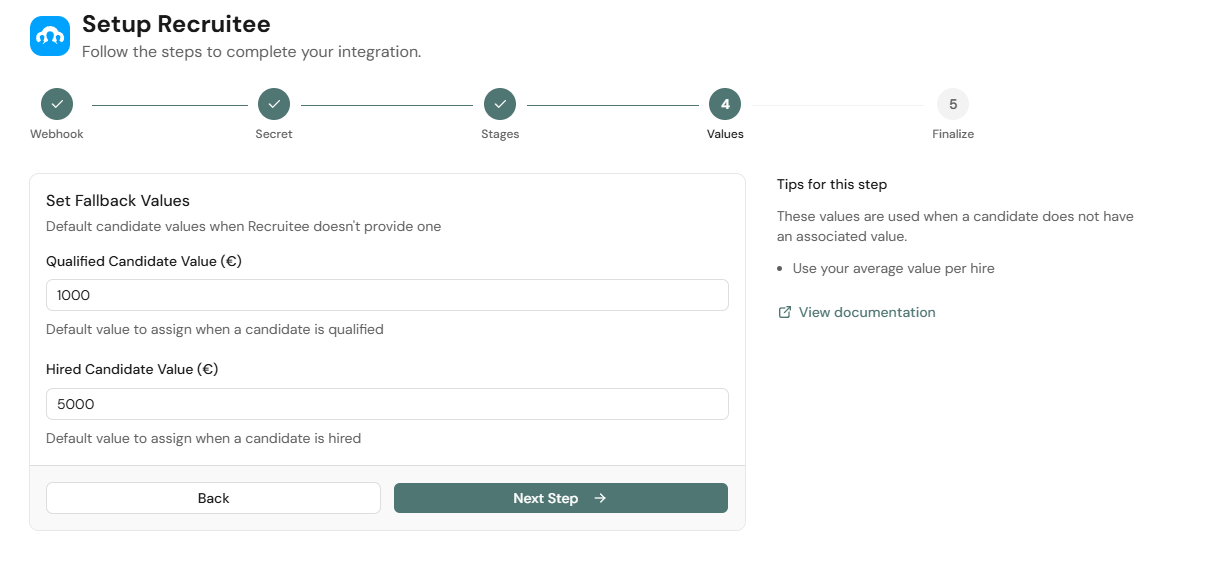
- Enter the deal values. These are the values sent alongside Google Ads, Meta, GA4, and other conversion platforms.
- Qualified leads: enter a value representative of the potential value of a hire.
- Hired candidates: enter a higher value that represents the value of a successfully hired candidate.
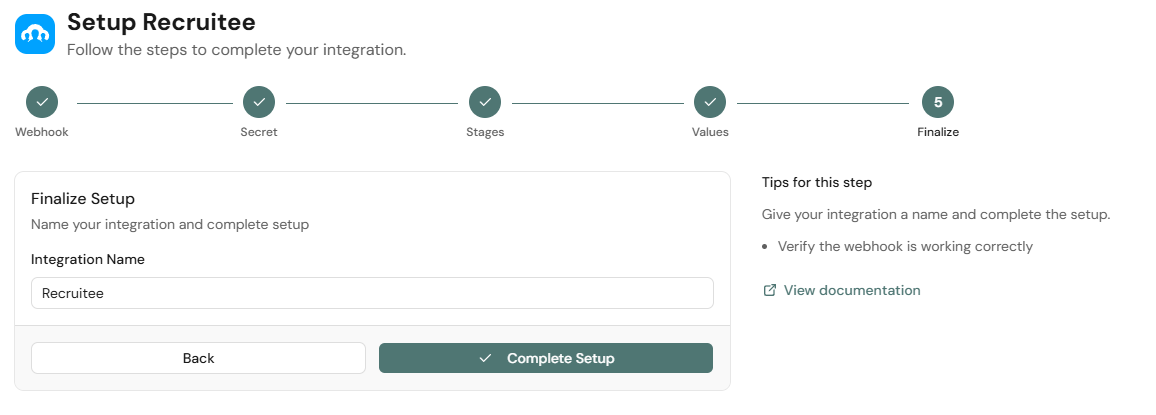
- Give the integration a name and complete the setup.
You are all set! Please test the integration by moving a candidate within Recruitee. If you have any questions about this setup, contact us at support@octanist.com.